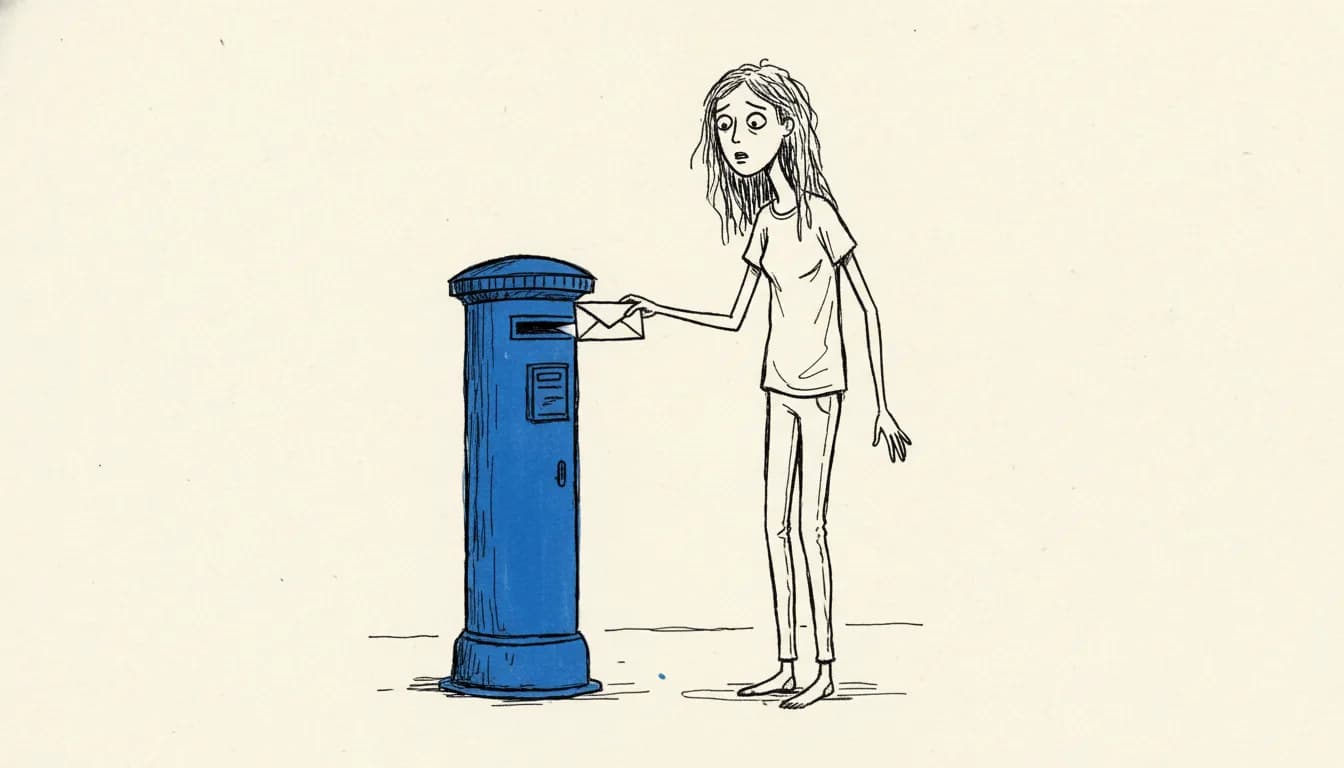
Submitting a film to a festival in 2026 is, mechanically, easier than it has ever been. FilmFreeway markets itself as the world's number-one festival submission platform, and its own promotional figures cite more than two million filmmakers, screenwriters, and artists submitting to over 14,000 festivals and contests, including 170-plus Oscar and BAFTA qualifying festivals. Those are the platform's own numbers rather than independently audited ones, but the broad point holds: it is dominant, though not universal. Some major festivals still use their own portals, Eventival, Shortfilmdepot, or direct submission systems.
The mechanical ease has not made it easier to get accepted. It has made the decisions you make before submitting more important than the submission itself.
Step 1: build your FilmFreeway project page
Create a free FilmFreeway account, then create a project for your film. The page becomes the canonical reference every festival selector sees. Fill it out properly:
- Title, runtime, format (short / feature / documentary)
- Country of origin, completion year, language
- Director, producer, writer credits
- Logline and synopsis (both short and long versions)
- Screener link (private Vimeo with password is the standard)
- Poster, three high-res stills, trailer link
- Director's statement
The project page is reused for every submission. Spending two hours getting it right is one of the highest-leverage things you can do.
Step 2: prepare the five-asset submission package
- Screener link. A password-protected Vimeo link is the de-facto festival-submission standard, and the safest default. FilmFreeway-hosted screeners and dedicated screener services are also accepted. Private YouTube links are a weaker choice that some festivals will not take, so do not rely on them. Remember that Vimeo privacy is access control, not copy protection, and keep access notes per festival so you can trace problems without assuming analytics prove exactly who watched.
- Poster. Hi-res JPG, vertical, 300 DPI. 24x36 inch is the standard print size.
- Stills. 6 to 10 stills, 300 DPI, mix of wides, mediums, and close-ups.
- Synopsis. Two versions: 100 to 150 words and 300 to 400 words.
- Director bio. 100 to 150 words. Current city, recent credits, one interesting line.
Step 3: build the festival shortlist before paying anything
This is the step most first-timers skip, which is the step that costs them the most. Before paying a single fee, build a list of 15 to 20 festivals that genuinely fit your film. Each festival should answer three questions:
- What does winning here unlock? Awards qualification, distribution conversations, regional press
- Who is in the room? Industry presence, programming team, regular jury
- Does my film fit their programming taste? Look at the last three years of selections
If you cannot answer all three for a festival, do not submit. The fee is a real cost, and the disappointment of a rejection from a festival that was never going to programme you is also a real cost.
Step 4: read every festival's premiere rules before submitting
One wrong public screening or online release can disqualify you from a tier 1 festival. Cannes Official Selection rules restrict prior international festival selection and online/DVD release. Sundance competition sections have strict premiere rules. SXSW has strict public-streaming restrictions. Berlinale, TIFF, Tribeca, and other major festivals vary by section and year.
The premiere rules are not buried. They are at the top of every festival's submission page. Read them before paying. Most first-timer regret stems from premiere status mistakes that were avoidable with five minutes of reading.
Step 5: track everything
Build a spreadsheet (or use Circkit) with these columns:
- Festival name
- Tier
- Submission date
- Fee paid
- Deadline (early, regular, late)
- Premiere requirement
- Expected notification date
- Result (waiting / accepted / rejected / withdrawn)
Step 6: hit submit, then resist the temptation to chase
Once you submit, you wait. Festival notification windows are typically six to twelve weeks after the final submission deadline. Some festivals notify only accepted filmmakers (silence = rejection). Most send rejection emails too.
Do not email the festival to ask for an update. Do not check the FilmFreeway status three times a day. The work is in front of you, not behind you. Use the waiting time to plan the next submission cycle.
What happens after acceptance
Acceptance emails arrive with a deliverables checklist: DCP or alternative master, final subtitles, alternate cuts (clean for trailers, festival cut for screening), updated EPK, high-res poster, and a deadline to confirm your attendance. Typical timeline: two to four weeks from acceptance to delivery.
Frequently asked questions
How do you submit a film to a film festival?
Most festivals in 2026 accept submissions through FilmFreeway, which markets itself as the leading festival-submission platform. You create a free account, build a project page for your film, then pay the entry fee for each festival you submit to. Some major festivals still use their own portals or systems such as Eventival or Shortfilmdepot, so check each festival's official page.
What do you need to submit a film to a festival?
Prepare a five-asset package before you submit: a screener link, a poster, a set of stills, a synopsis, and a director bio. A password-protected Vimeo link is the de-facto screener standard. You also fill out a FilmFreeway project page with your title, runtime, format, credits, logline, and synopsis, which is reused for every submission.
How long do film festivals take to respond after you submit?
Notification windows are typically six to twelve weeks after the final submission deadline. Some festivals notify only accepted filmmakers, so silence can mean rejection, while most also send rejection emails. Resist the urge to email for an update or check your status repeatedly, and use the waiting time to plan your next submission cycle.
Why do premiere rules matter when submitting to festivals?
One wrong public screening or online release can disqualify you from a top-tier festival. Premiere rules vary by festival and by section, and they are usually posted at the top of each festival's submission page. Read them before paying any fee, since most first-timer regret comes from avoidable premiere-status mistakes.
RelatedReplace the submission spreadsheet
Circkit tracks every submission, fee, deadline, and notification date in one place. Free on every plan.